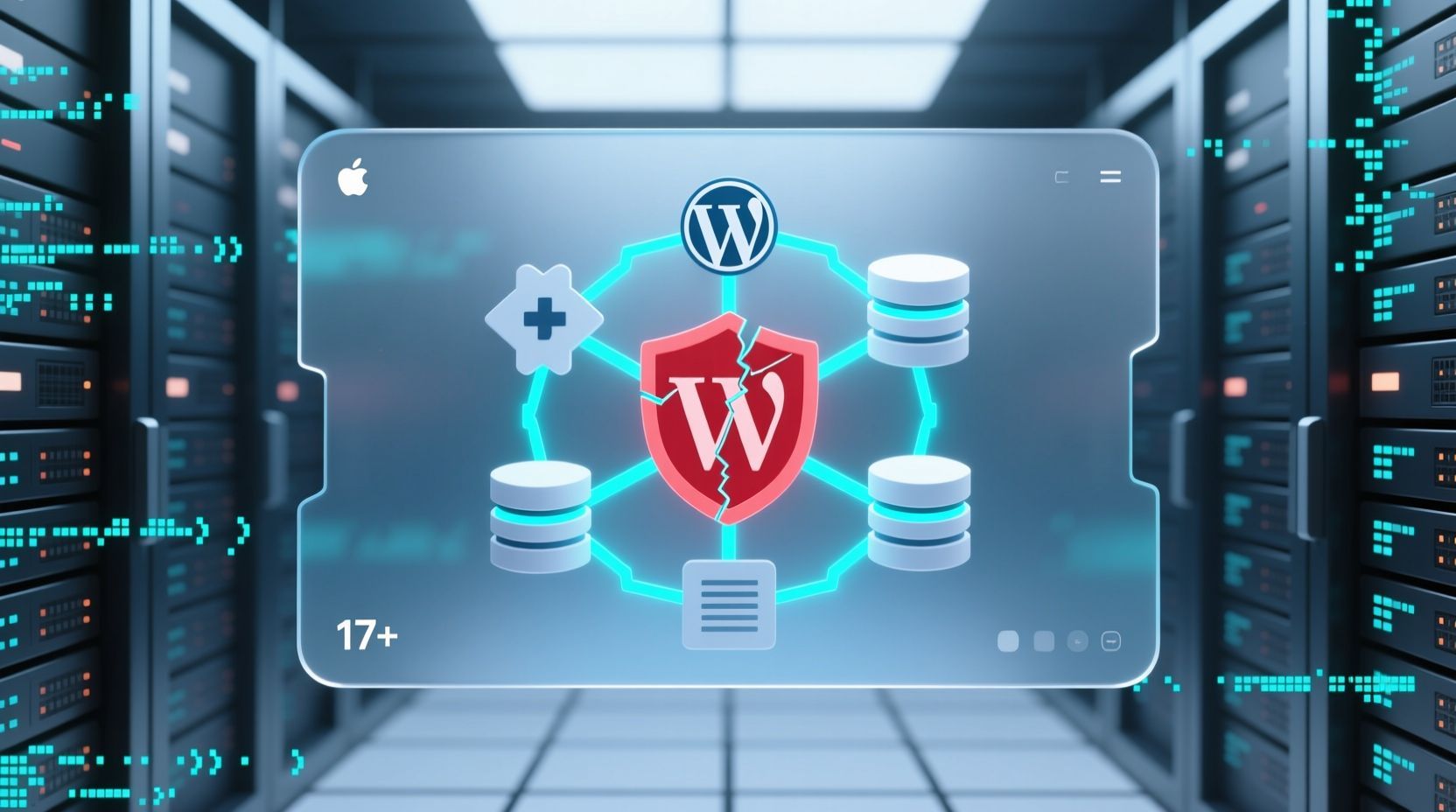
The digital landscape for WordPress, the backbone of over 43% of the web, has been rocked by a critical security incident that demands immediate, expert attention from every R&D and infrastructure engineer. A sophisticated supply chain attack, uncovered in early April 2026, has compromised dozens of widely used plugins, injecting persistent backdoors directly onto server environments. While the WordPress.org security team swiftly moved to strip malicious code from the affected plugins, a dangerous reality persists: the automated patches do not remove the already deployed backdoors. This leaves thousands of websites vulnerable to ongoing exploitation, data exfiltration, and severe reputational damage. Ignoring this threat is not an option; proactive, manual intervention is now paramount.
Background Context: The Evolving Threat Landscape for WordPress
WordPress’s immense popularity makes it a prime target for malicious actors. While the platform’s core is rigorously maintained, the vast ecosystem of third-party plugins and themes often presents the largest attack surface. Supply chain attacks, where legitimate software components are compromised to distribute malware, represent an increasingly prevalent and insidious threat. This particular incident highlights a worrying trend: attackers are not just exploiting vulnerabilities but actively subverting the trust model of the open-source community by acquiring popular plugins and injecting malicious code through seemingly legitimate updates.
In this recent attack, malicious actors reportedly purchased over 30 popular plugins, including those from the “Essential Plugin” developer and tools like “WP Advanced Math Captcha,” via private marketplaces. Following acquisition, they injected sophisticated backdoors into the plugin code, often disguised within innocuous-looking updates. For instance, a PHP deserialization backdoor was reportedly introduced in version 2.6.7 of several affected plugins as early as August 2025, lying dormant for eight months before activation in early April 2026. This delayed activation tactic allowed the malicious code to spread widely, accumulating trust before unleashing its payload.
Deep Technical Analysis: Anatomy of the Attack and Patching Shortfalls
The attack vector was alarmingly effective: legitimate plugin update mechanisms were leveraged to distribute compromised versions. Once installed, these malicious updates executed payloads that dropped remote management tools and created fake core files directly onto the underlying server infrastructure. The primary goal observed was to serve hidden SEO spam to search engines like Googlebot, a technique known as “cloaking” designed to manipulate search rankings without alerting site owners.
The WordPress.org security team responded decisively by identifying the compromised plugins and forcing automatic updates that stripped the malicious code from the plugin files themselves. Additionally, 31 plugins from the affected author were permanently closed on April 7, 2026. This action was crucial in halting the immediate spread of the malware via new installations or subsequent updates. However, the critical flaw in this automated response lies in its scope: it addresses the *source* of the infection but not the *consequences* of the initial compromise. The backdoors and malicious files already dropped onto the server persist, functioning independently of the cleaned plugin code.
These backdoors often manifest as obfuscated PHP files, Web shells, or modified core WordPress files (e.g., in wp-config.php, wp-includes/, or directly in the theme/plugin directories). They enable attackers to maintain persistent access, execute arbitrary code, exfiltrate data, or further compromise the server environment. The attack exploits a structural gap in the WordPress ecosystem: the lack of robust mechanisms to review plugin ownership transfers or mandate code signing for updates, allowing trust to be bought and weaponized.
While specific CVE IDs for the entire supply chain attack are still being aggregated, the nature of the injected backdoors often involves common vulnerability types such as remote code execution (RCE) via PHP deserialization or arbitrary file uploads facilitated by the dropped shells. Another related, but distinct, critical vulnerability (CVE-2026-1492) was disclosed around the same time in the “User Registration & Membership” plugin (versions up to 5.1.2), allowing unauthenticated administrative takeover via authentication bypass. While separate, it underscores the heightened state of alert for WordPress security.
Practical Implications & Migration Strategies
For development and infrastructure teams, the implications are severe and immediate:
- Persistent Compromise: Even if affected plugins are updated or removed, the installed backdoors remain active, granting attackers continued access.
- Data Breach Risk: Backdoors can be used for sensitive data exfiltration, including user credentials, payment information, and proprietary content.
- SEO Blacklisting: Cloaked SEO spam can lead to search engine penalties, damaging organic traffic and brand reputation.
- Resource Abuse: Compromised servers can be used for botnets, DDoS attacks, or cryptocurrency mining, incurring unexpected operational costs.
- Compliance Violations: Data breaches resulting from such compromises can lead to significant regulatory fines (e.g., GDPR, CCPA).
Effective migration and remediation require a comprehensive, multi-step approach that goes beyond standard WordPress updates:
- Isolate and Backup: Immediately take the affected site offline or restrict access. Perform a full filesystem and database backup before any remediation attempts.
- Deep Malware Scanning: Utilize advanced security scanners (e.g., ClamAV, Maldet, commercial WordPress security plugins with server-level scanning capabilities) to identify all malicious files, including those outside standard WordPress directories.
- Manual File Audit: Conduct a meticulous review of core WordPress files against known good versions. Pay special attention to
wp-config.php,wp-includes/,wp-admin/, and all plugin/theme directories for unauthorized modifications or newly introduced files. Look for obfuscated code, unusual file names, and recently modified timestamps. - Database Inspection: Scan the database for suspicious entries, especially in options tables, user tables (for new rogue admin accounts), and posts/pages for hidden spam content.
- Credential Rotation: Change all WordPress user passwords (especially administrators), database credentials, FTP/SFTP passwords, SSH keys, and hosting control panel logins.
- Clean Reinstallation (Recommended): For severe or persistent infections, a clean reinstallation of WordPress core, themes, and plugins from trusted sources, followed by importing a cleaned database, is often the most secure route.
- Server Environment Hardening: Review server configurations (e.g., Apache/Nginx, PHP-FPM) for any persistent changes made by the attackers. Update PHP to a supported version, ideally PHP 8.2+ for optimal performance and security, as WordPress 7.0 will soon require PHP 7.4 minimum.
Best Practices & Proactive Security
Preventing future supply chain attacks and minimizing their impact requires a layered security approach:
- Strict Plugin/Theme Vetting: Only use plugins and themes from reputable developers and official repositories. Research developer history, review code if possible, and monitor for sudden ownership changes.
- File Integrity Monitoring (FIM): Implement FIM tools to detect unauthorized changes to core WordPress files and critical directories in real-time.
- Web Application Firewall (WAF): Deploy a robust WAF to filter malicious traffic, block common attack vectors, and provide virtual patching for known vulnerabilities.
- Principle of Least Privilege: Ensure all users, including administrators, have only the necessary permissions. Avoid using the ‘admin’ username.
- Two-Factor Authentication (2FA): Enforce 2FA for all WordPress user accounts, especially administrators.
- Regular Backups: Maintain a strict backup policy with off-site storage, ensuring you can restore a clean version of your site quickly.
- Security Audits & Penetration Testing: Periodically engage third-party experts to conduct security audits and penetration tests.
- Stay Updated: While automated updates had limitations in this specific scenario, keeping WordPress core, themes, and plugins updated remains fundamental for receiving critical security patches. Monitor WordPress security news closely.
Actionable Takeaways for Development or Infrastructure Teams
Here’s a concise checklist for immediate action and ongoing vigilance:
- Audit Your Plugins: Immediately identify if your sites use any plugins from the “Essential Plugin” developer or “WP Advanced Math Captcha,” or any plugin that underwent a suspicious ownership transfer in the last year.
- Perform Deep Scans: Conduct server-level malware scans (not just WordPress plugin scans) on all your WordPress installations.
- Hunt for Backdoors: Manually inspect
wp-config.php,wp-content/plugins/, and the root directory for suspicious, recently modified, or unknown PHP files. - Rotate All Credentials: Change every password and API key associated with your WordPress sites and their hosting environments.
- Harden PHP: Ensure all WordPress environments are running PHP 8.2 or higher. Plan for the upcoming PHP 7.4 minimum requirement for WordPress 7.0.
- Implement FIM: If not already in place, deploy File Integrity Monitoring.
- Educate Your Team: Ensure all developers and administrators are aware of supply chain attack risks and best practices for secure plugin management.
Related Resources
- WordPress Security Hardening Best Practices
- Upgrading PHP for Modern WordPress Performance
- Understanding Software Supply Chain Attacks
The recent WordPress supply chain attack serves as a stark reminder of the sophisticated and persistent threats facing our digital infrastructure. The era of relying solely on automated updates for comprehensive security is over. As WordPress evolves with major releases like the upcoming WordPress 7.0, which promises advancements in real-time collaboration and AI integration, the attack surface will also shift. Proactive, manual remediation, combined with a robust security posture, is no longer merely a recommendation but an absolute necessity. Engineers must embrace a defense-in-depth strategy, continuously monitoring, auditing, and hardening their environments to safeguard against an ever-evolving adversary. The future of WordPress security lies in vigilant human expertise augmenting automated protections.