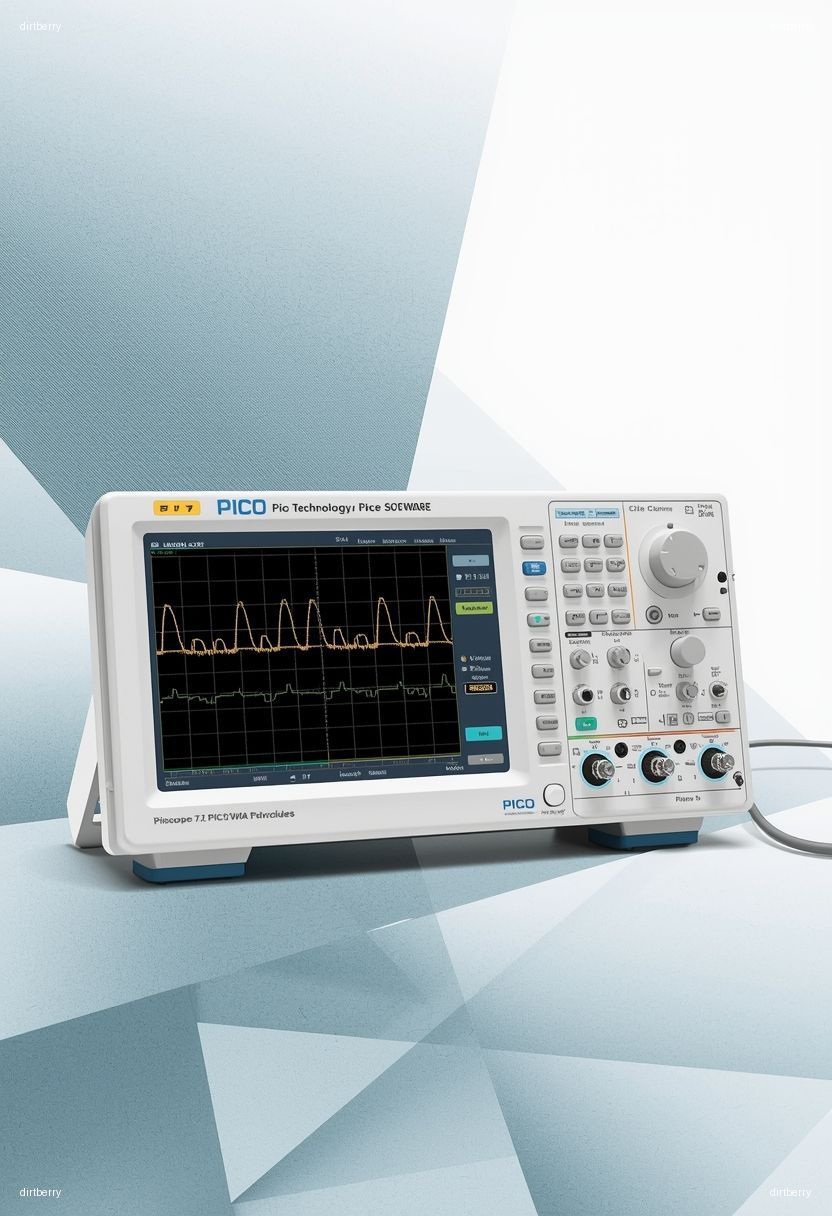
PicoScope 7.2 Software Release: A Critical Upgrade for Engineering Efficiency
In the fast-paced world of research and development, staying ahead means leveraging the most advanced tools. Pico Technology’s latest release, Pico Technology PicoScope 7.2 Software, is not just an incremental update; it’s a pivotal advancement that directly addresses the complexities faced by modern engineers and technicians. Released in December 2025, this version introduces a suite of powerful new features and enhancements aimed at improving waveform capture, analysis, and measurement confidence, making the control of PicoScope instruments faster, clearer, and more efficient. For any R&D team relying on precise signal analysis, understanding and adopting PicoScope 7.2 is no longer optional—it’s imperative for maintaining a competitive edge.
Background: The Evolution of PicoScope Software
Pico Technology has a long-standing reputation for delivering high-quality, PC-based oscilloscopes and accompanying software. PicoScope 7, their flagship software platform, has continuously evolved to meet the demands of increasingly sophisticated electronic designs. Previous versions laid the groundwork for a versatile and user-friendly interface, integrating oscilloscope, spectrum analyzer, function generator, and serial protocol decoding capabilities into a single application. The development of PicoScope 7.2 builds directly on this foundation, incorporating direct feedback from the user community and innovative internal development to tackle specific challenges in test and measurement. This latest iteration signifies a commitment to providing engineers with tools that not only perform complex tasks but also simplify intricate analysis processes.
Deep Technical Analysis: Key Innovations in PicoScope 7.2
PicoScope 7.2 introduces several groundbreaking features, with a particular emphasis on visualization, data filtering, and measurement accuracy. These enhancements are designed to accelerate the debugging process and provide deeper insights into signal behavior.
Waveform Overlays for Intermittent Glitch Detection
One of the most significant additions is the Waveform Overlays feature. This powerful visualization tool allows users to stack multiple waveform captures on top of each other within a single view. By creating a visual “envelope” of a signal’s normal behavior, engineers can more easily identify and analyze intermittent glitches, jitter, and anomalies that might be missed in traditional single-shot views. This is analogous to an advanced digital persistence display, offering unparalleled clarity for signal integrity analysis. This feature is particularly valuable in applications where transient events are critical to diagnose.
Advanced Serial Filtering for Rapid Data Identification
The Advanced Serial Filtering tool is another game-changer, especially for engineers working with complex embedded systems that rely heavily on serial communication protocols. This feature dramatically reduces the time spent sifting through long serial data captures. Users can now easily set up filters to identify specific packets, data types, or indexed date ranges of interest based on criteria such as data length or specific content. Crucially, this advanced filtering works seamlessly across all 40 serial protocols supported by PicoScope 7, including protocols like I2C, SPI, UART, and CAN. This capability is essential for debugging communication errors and extracting meaningful data from noisy or verbose serial streams.
Measurement Indicators for Enhanced Confidence
To foster complete trust in measurement results, PicoScope 7.2 introduces Measurement Indicators. These clear visual markers are placed directly on the waveform, highlighting the precise “decision points” PicoScope uses for its automatic measurement calculations (e.g., rise time, frequency, RMS). This eliminates guesswork, allowing users to see exactly where values are derived from the signal. This feature is supported for a wide range of measurements, including Pk-Pk, Min, Max, Edge Count, Cycle Time, Frequency, Pulse Width, Rise/Fall Time, Rise/Fall Rate, RMS, RMS ripple, Top/Base, Amplitude, Mean, Phase, Delay, Duty Cycle, Overshoot, and Crest Factor. The ability to toggle these indicators on or off for individual measurements enhances the clarity of the display.
Channel Deskew and Workflow Enhancements
PicoScope 7.2 also incorporates several workflow enhancements designed to streamline the user experience. A new Channel Deskew control has been integrated into the Channel Display tabs, allowing users to easily compensate for timing differences caused by probes with different cable lengths. This ensures perfectly aligned multi-channel measurements, which is critical for accurate timing analysis. Additionally, the “Actions” feature has been smarter, allowing users to configure tasks (like saving a file) to trigger based on specific measurement pass/fail limits. User filenames are now retained after saving or loading files, with an incrementing number added for newly captured data, simplifying file management.
Expanded Hardware Support and Compatibility
Version 7.2.10, released in December 2025, adds support for new hardware, including PicoScope 3000E MSO devices and 5442D-50/5444D-50 devices. It also features improved character support for printing and exporting images (including Chinese, Japanese, and Korean characters) and ensures PicoScope 3000E device channel LED colors match the selected channel colors within PicoScope 7. Notably, this release, like subsequent updates such as 7.2.18 (March 2026), requires newer operating systems, with Windows 7, 8, 8.1, and early versions of Windows 10 no longer supported. This move aligns PicoScope with modern software development practices and ensures compatibility with current hardware and security standards.
Practical Implications for Engineers and Technicians
The introduction of PicoScope 7.2 has direct and tangible benefits for R&D engineers, embedded systems developers, and field technicians:
- Accelerated Debugging: Waveform Overlays and advanced serial filtering significantly cut down the time required to pinpoint elusive issues, turning hours of manual inspection into minutes of targeted analysis.
- Improved Measurement Accuracy: Measurement Indicators and Channel Deskew ensure greater confidence in the accuracy of captured data and measurements, reducing the likelihood of misinterpretation or design flaws stemming from inaccurate test results.
- Enhanced Productivity: Workflow enhancements, such as smarter actions and improved file naming conventions, contribute to a more efficient and less error-prone daily workflow.
- Broader Device Compatibility: Support for new hardware ensures that users with the latest PicoScope instruments can immediately leverage the advanced software features.
- Streamlined Data Management: Features like command-line batch conversion of .psdata files to CSV, Text, or Matlab format (Windows only) facilitate easier integration with data analysis tools and reporting workflows.
Best Practices for Adopting PicoScope 7.2
To maximize the benefits of PicoScope 7.2, consider the following best practices:
- System Compatibility Check: Before upgrading, verify that your operating system meets the requirements for PicoScope 7.2 and later versions. As noted, older Windows versions are no longer supported.
- Explore New Features Gradually: While the temptation might be to dive into every new feature, focus on integrating one or two key enhancements, like Waveform Overlays or Advanced Serial Filtering, into your daily workflow first.
- Leverage Documentation: Pico Technology provides comprehensive release notes and user guides. Familiarize yourself with the specifics of the new features to use them most effectively.
- Utilize Batch Conversion: If you frequently need to export data for external analysis, explore the command-line batch conversion capabilities to automate and speed up this process.
- Provide Feedback: Pico Technology actively incorporates user feedback. Use the “Send feedback” option within the software to report bugs or suggest improvements, contributing to future software iterations.
Actionable Takeaways for Development and Infrastructure Teams
For Development Teams:
- Prioritize Updates: Schedule regular reviews of Pico Technology’s software release notes to stay informed about new features and bug fixes. Plan for timely adoption of stable releases to ensure your team is equipped with the latest analysis capabilities.
- Integrate Advanced Analysis: Train your team on utilizing Waveform Overlays and Advanced Serial Filtering for complex debugging tasks. These features can significantly reduce time-to-market for new products.
- Standardize Measurement Practices: Encourage the use of Measurement Indicators to ensure consistency and clarity in how measurements are interpreted across the team.
For Infrastructure Teams:
- Manage Software Deployments: Ensure that PicoScope 7.2 is deployed across all relevant workstations, adhering to the new operating system compatibility requirements.
- Monitor Performance: Keep an eye on system resource usage, especially when utilizing advanced features like Waveform Overlays with extensive data capture, to ensure optimal performance.
Related Internal Topics
To further enhance your understanding and application of advanced test and measurement techniques, consider exploring these related topics:
- Advanced Signal Integrity Analysis Techniques
- Effective Debugging Strategies for Embedded Systems
- Deep Dive into Serial Communication Protocols
Conclusion: Embracing the Future of Signal Analysis
The release of Pico Technology PicoScope 7.2 Software marks a significant leap forward in PC-based oscilloscope software. By introducing sophisticated visualization tools like Waveform Overlays and powerful data manipulation features such as Advanced Serial Filtering, Pico Technology empowers engineers to tackle the most challenging debugging tasks with unprecedented efficiency and confidence. The continuous development and free updates underscore Pico Technology’s commitment to its user base, ensuring that PicoScope remains at the forefront of electronic test and measurement innovation. For any R&D department aiming to accelerate development cycles and enhance product quality, adopting PicoScope 7.2 is a strategic imperative for the immediate future.
===