The Critical Shift in Signal Visualization
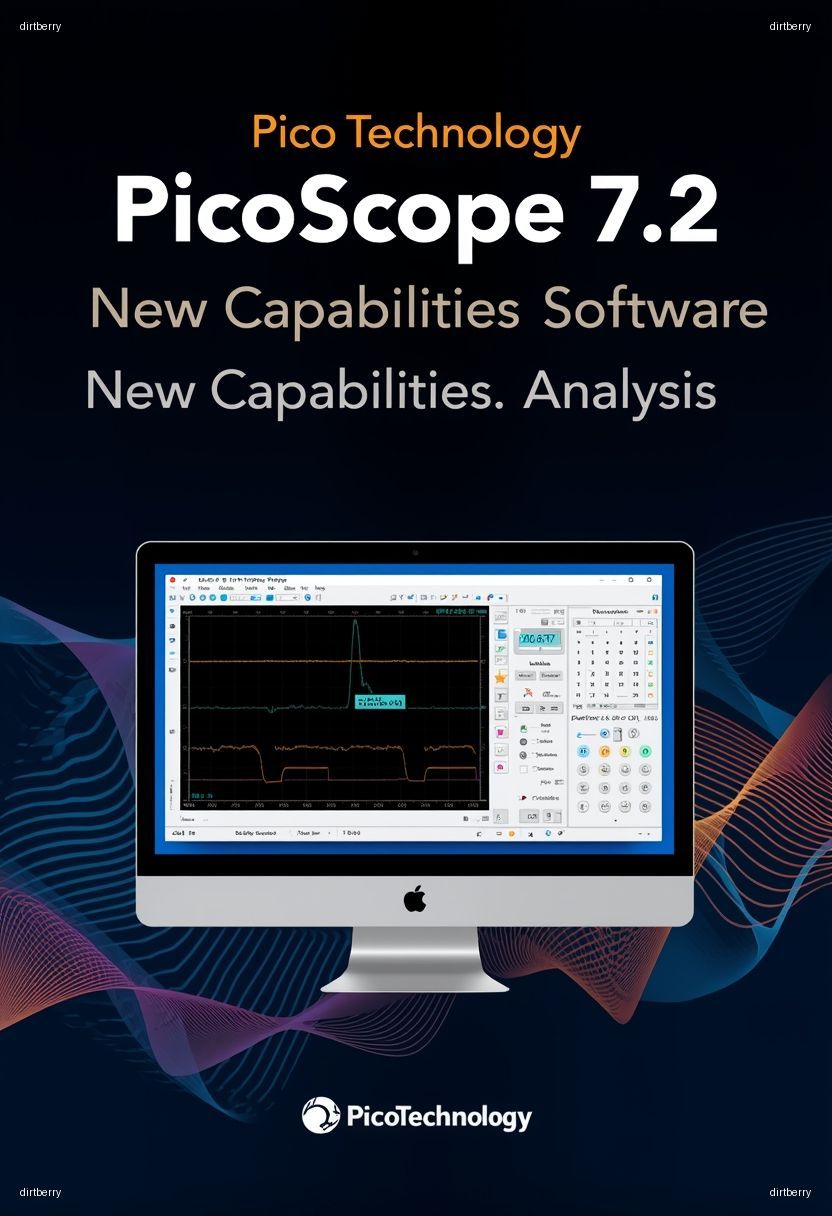
For R&D engineering teams relying on high-fidelity data acquisition, the software interface is often the bottleneck between raw telemetry and actionable insight. The recent rollout of Pico Technology PicoScope 7.2 Software represents a non-trivial evolution in how engineers interact with high-bandwidth mixed-signal data. If your team is currently utilizing legacy versions of the PicoScope 6 or earlier iterations of the 7.x branch, this update is not merely cosmetic; it fundamentally alters the underlying data processing pipeline and user-defined measurement workflows.
Technical Deep Dive: Architectural Enhancements
The 7.2 release focuses heavily on optimizing the rendering engine and improving the efficiency of deep memory buffer analysis. Unlike previous iterations that relied on more CPU-intensive drawing calls, the 7.2 architecture leverages enhanced GPU acceleration for waveform rendering, resulting in a measurable increase in screen update rates—crucial when debugging intermittent signal transients.
Key Changelog Highlights
- Expanded Protocol Decoding: Native support for newer automotive and industrial serial standards, reducing the need for custom script-based decoding.
- Optimized Buffer Management: Improved memory allocation for deep-buffer captures, allowing for longer capture windows without impacting UI responsiveness.
- Measurement Engine Overhaul: Refined statistical algorithms for automated measurements, providing higher precision in jitter and eye-diagram analysis.
From an architectural perspective, Pico Technology has shifted towards a more modular plugin structure. This allows specific protocol decoders to be updated independently of the core application, significantly reducing the downtime associated with full software suite updates in enterprise environments.
Practical Implications for R&D Infrastructure
For teams managing distributed test benches, transitioning to PicoScope 7.2 requires a structured deployment strategy. The shift in the API layer may impact legacy automation scripts developed for earlier versions of the software. Engineers should perform a regression analysis on existing Python or MATLAB scripts that interface with the PicoScope SDK.
Migration Best Practices
1. Environment Shadowing: Before upgrading production test benches, deploy 7.2 on a subset of development machines to validate compatibility with existing automation frameworks.
2. Driver Synchronization: Ensure that the latest PicoSDK drivers are installed in tandem with the software update. Incompatibility between the 7.2 GUI and outdated drivers is a frequent cause of intermittent connection drops during long-duration captures.
3. Workspace Preservation: While PicoScope 7.2 supports the migration of custom configurations, complex user-defined math channels should be manually verified post-upgrade to ensure the syntax remains compliant with the updated math parser.
Security and Stability Considerations
While this release does not explicitly address a high-profile CVE, it includes critical hardening of the data serialization process. By updating to 7.2, teams mitigate risks associated with malformed capture files that could potentially exploit buffer handling in older versions. Furthermore, the stability improvements significantly reduce the frequency of application hangs during high-throughput streaming sessions, which is vital for long-term reliability testing.
Actionable Takeaways for Engineering Teams
To maximize the utility of the Pico Technology PicoScope 7.2 Software, teams should:
- Audit Existing Automation: Review all automated measurement scripts for potential API deprecations.
- Leverage GPU Acceleration: Ensure host workstations meet the recommended hardware specifications to fully utilize the updated rendering engine.
- Update Documentation: Standardize the team on the new interface layout to minimize friction during collaborative debugging sessions.
Related Internal Resources
For further reading on optimizing your test environment, refer to the following resources:
- Optimizing High-Speed Data Acquisition Pipelines
- Best Practices for Automated Test Infrastructure
- Navigating Oscilloscope Calibration and Compliance
Forward-Looking Conclusion
The release of Pico Technology PicoScope 7.2 Software underscores a broader industry trend: the integration of advanced computational capabilities directly into the measurement interface. As signal speeds increase and protocols become more complex, the ability to visualize and analyze data in real-time will define the efficiency of R&D workflows. For engineering organizations, adopting this update is a strategic investment in maintaining high-throughput, high-fidelity testing standards. We anticipate future updates will continue to leverage machine learning for automated anomaly detection, further bridging the gap between raw signal capture and engineering insight.